

Microsoft now provides a way to have the AL tools available on every CLI-based agentic tool using a standalone process over the MCP protocol using AL MCP server.
The AL MCP Server is a standalone Model Context Protocol (MCP) server that exposes AL development tools (like building, compiling, publishing, symbol search, diagnostics, and more) to any MCP-compatible AI agent. It runs as a separate process and doesn’t require Visual Studio Code. This makes it possible to integrate AL development operations into CI/CD pipelines, chat-based agent workflows, and custom automation tooling using any agent that supports the Model Context Protocol.
The AL tools are now available as a global .NET package. To install the AL tools and the AL MCP server on your CLI, you can execute the following command:
dotnet tool install --global microsoft.dynamics.businesscentral.development.tools --prerelease
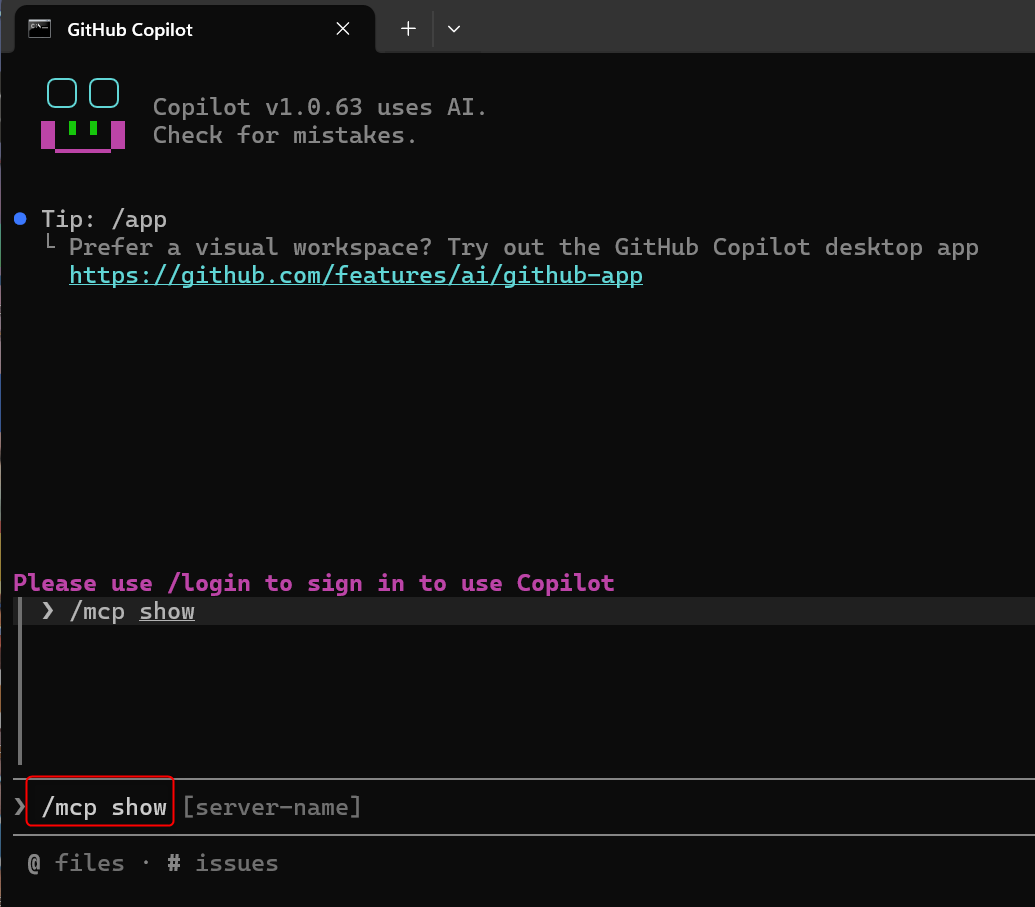
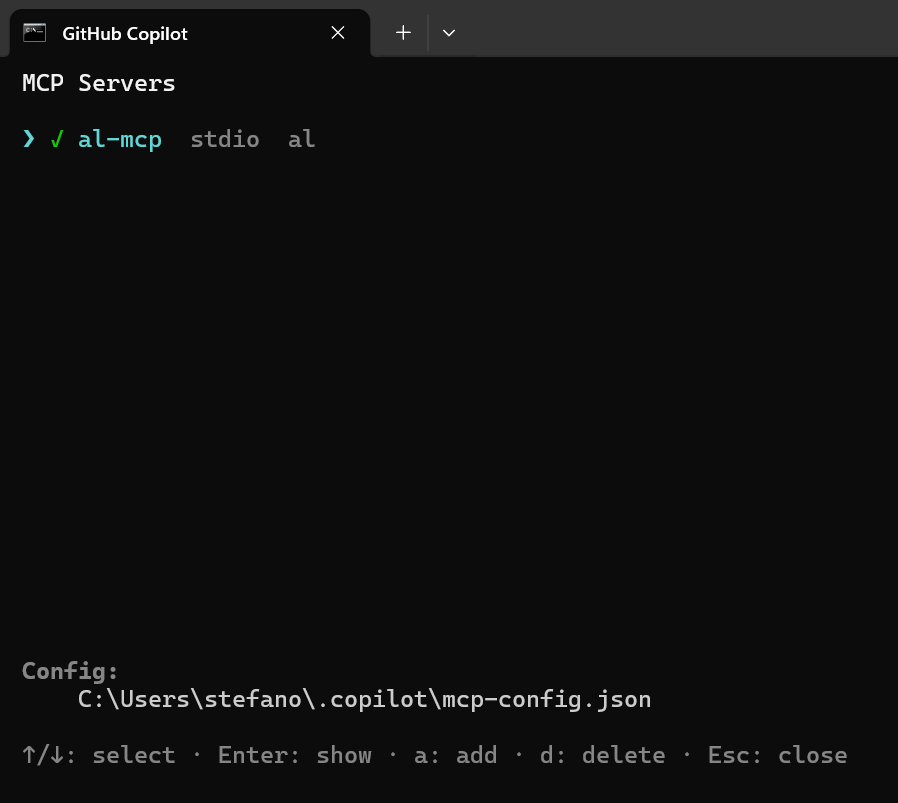
In GitHub Copilot, you can run the /mcp show command to list all the evailable MCP servers:
In my case I don’t have any MCP server configured.
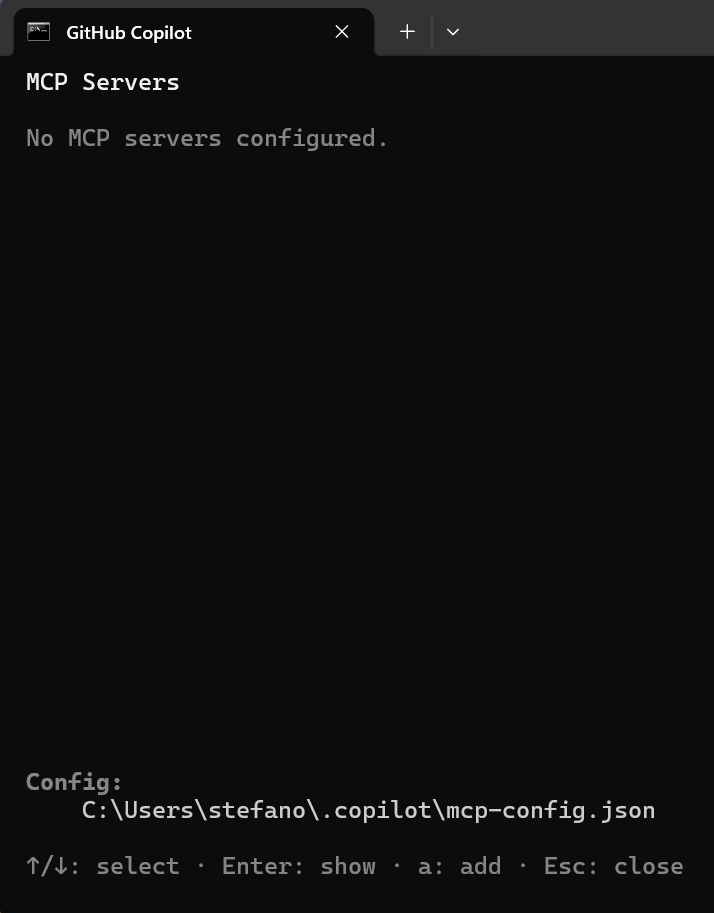
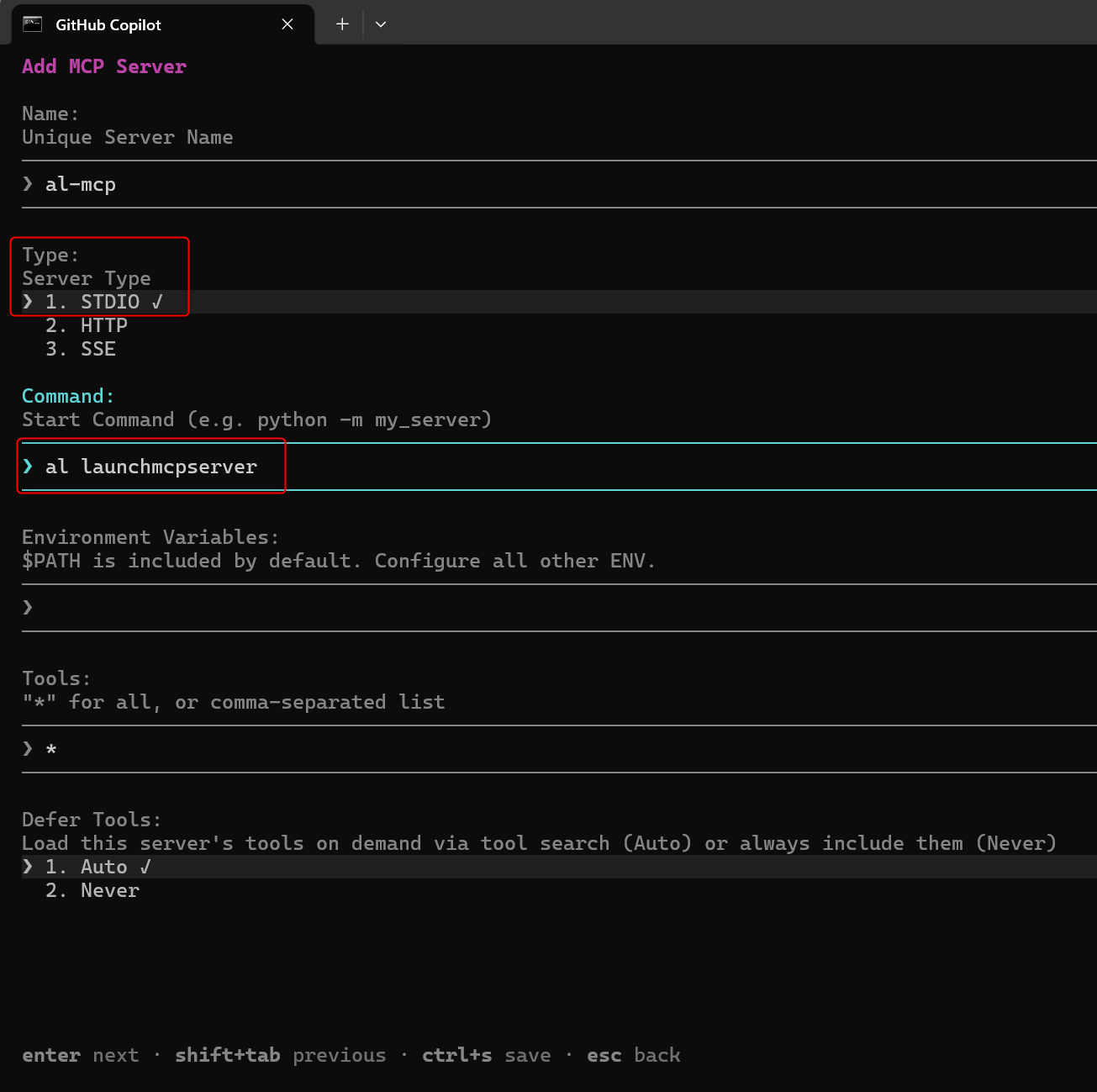
To configure a new one, just press the A key and in the Add MCP Server window:
- Give it a name (for example al-mcp).
- Select Type = STDIO.
- In the Command section, type: al launchmcpserver.
- Leave any other option as default.
- Press CTRL+S to save the configuration.
The AL MCP server will now appear as active:
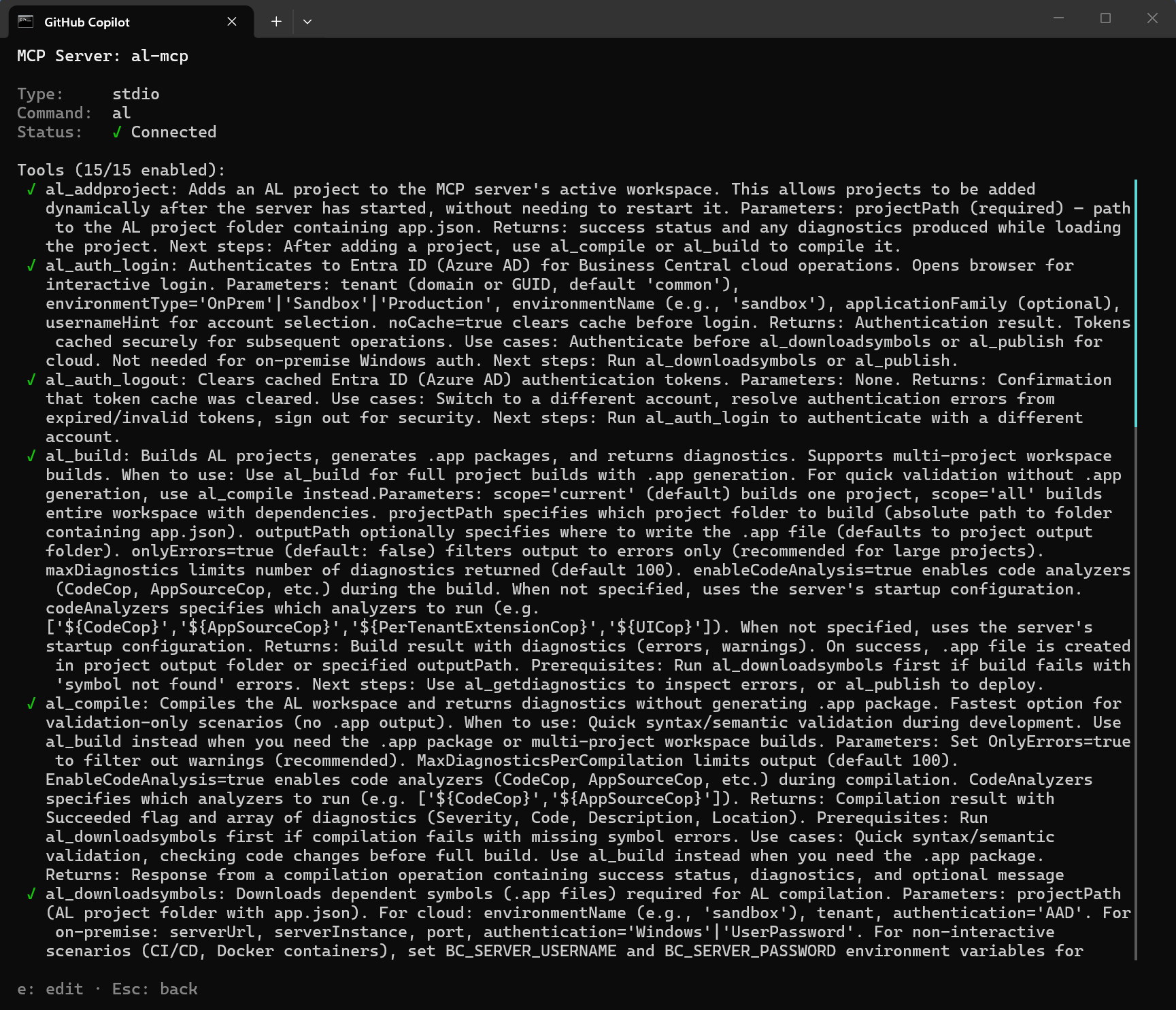
and if you will press ENTER you will see all the loaded tools:
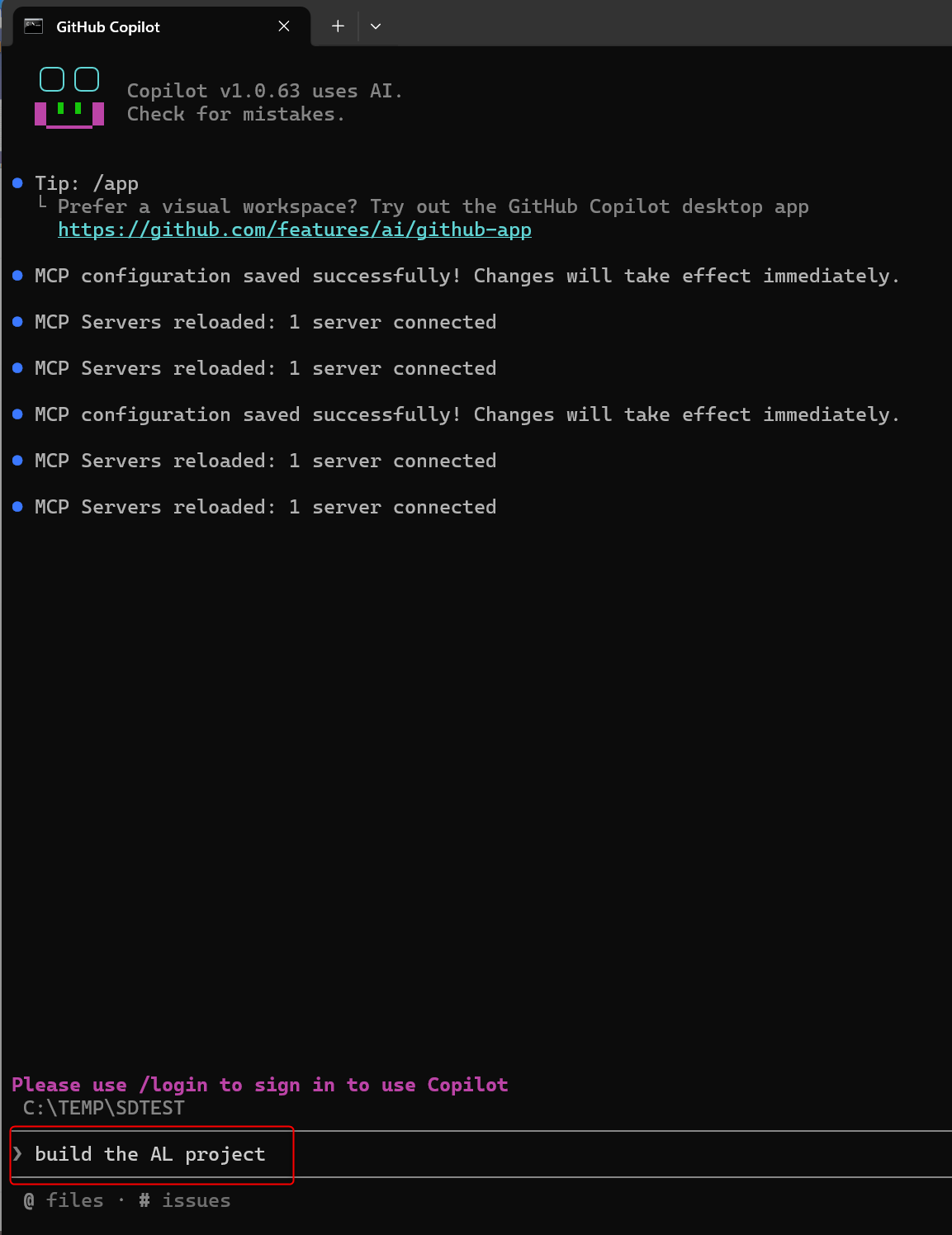
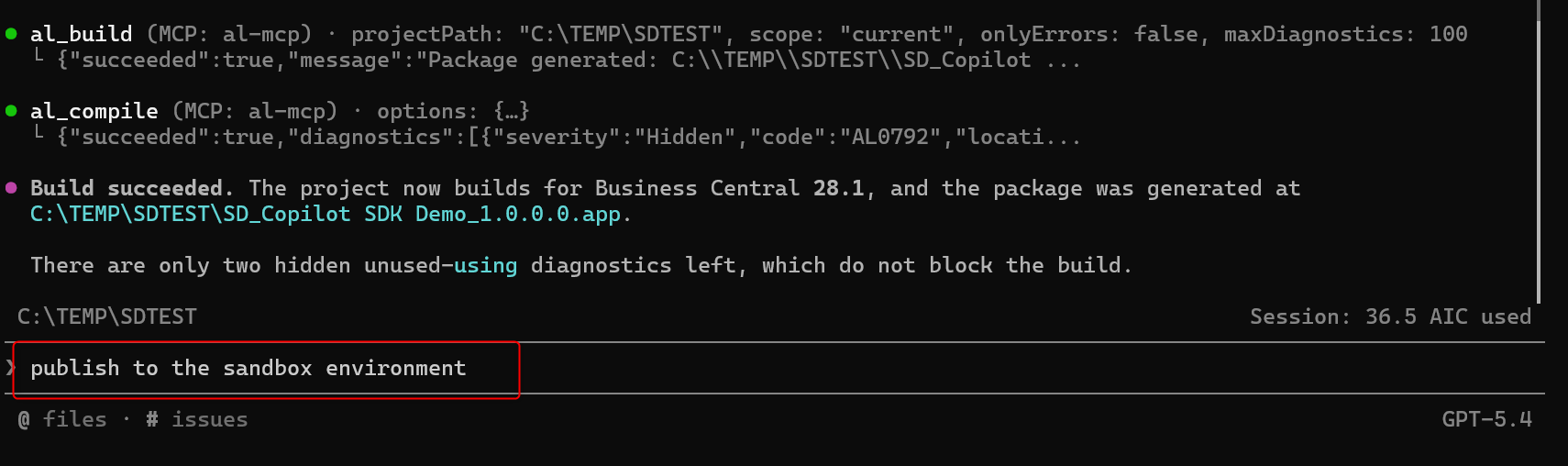
Now I can for example build my AL project (GitHub Copilot CLI is opened inside my project’s folder):
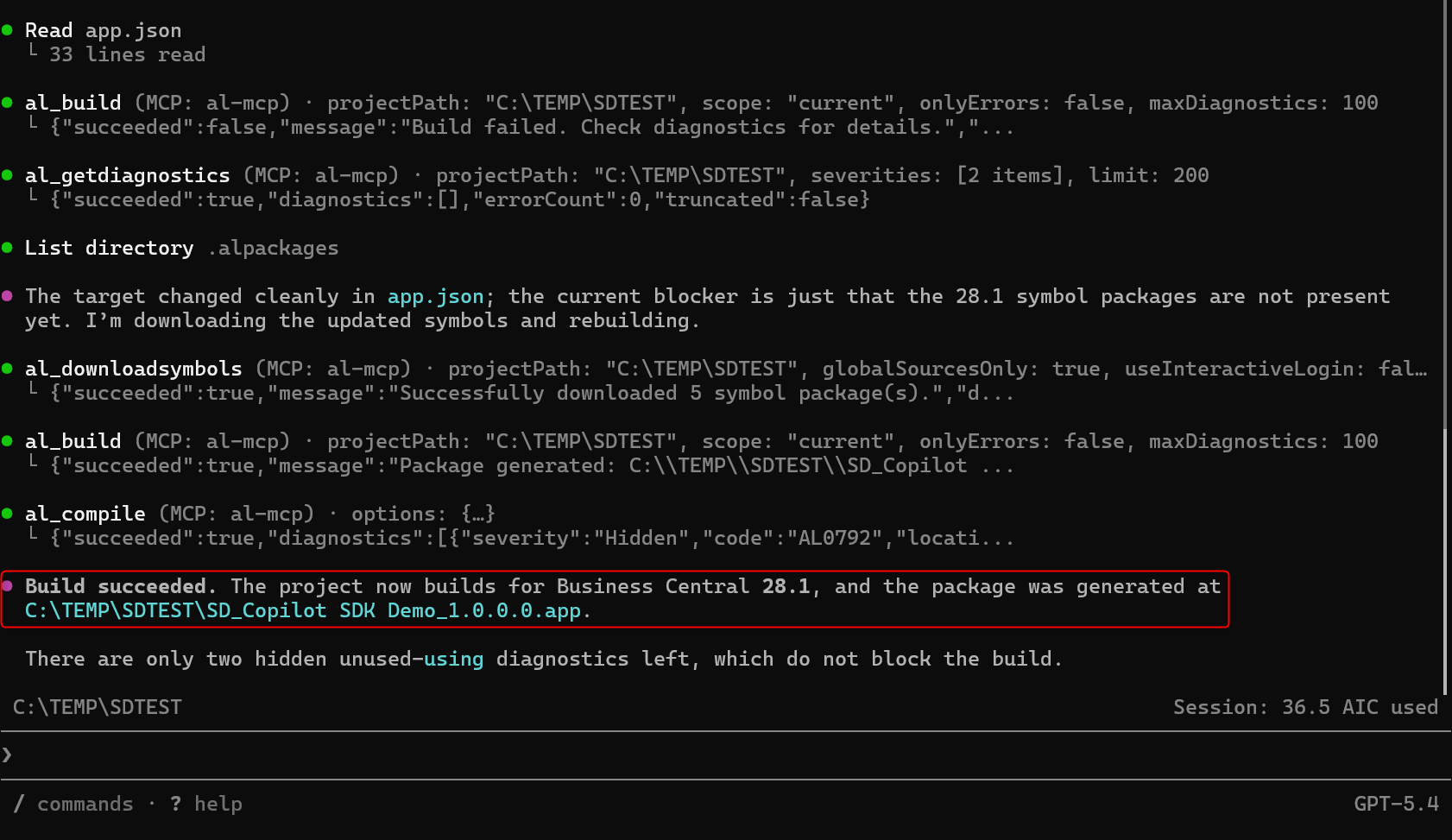
In this folder, I’ve only AL code (no symbols and dependencies). GitHub Copilot CLI (via the AL MCP server) is now able to discover all of these and download the needed packages autonomously, then compiles the project:
And now you do more, like for example publishing the extension to your Business Central enviroment (it will use the al_publish tool):
This new feature can be useful on automatimg many AI scenarios with AI, like for example a CI/CD validation pipeline where the agent will call the following tools in sequence:
- al_downloadsymbols (refresh symbols from global sources)
- al_compile (compiles the app)
- al_getdiagnostics (fail the pipeline if errors exist)
or an AppSource validation, where the agent calls:
- al_compile with enableCodeAnalysis=true, codeAnalyzers=[“${AppSourceCop}”]
- al_getdiagnostics filtered by areas=[“AppSourceCop”]
If you love CLI-based agents, this is a new power in our hands… 😉


