

Everyone of you know that the Business Central administration center (Admin Center) provides a portal for administrators to do administrative tasks for a Business Central tenant. Users with at least the following Microsoft Entra roles are authorized to access the Business Central administration center and Business Central environments:
Starting from this week, a new Dynamics 365 Business Central Admin Center update will be rolled up on all tenants (gradually). This new update will introduce the possibility to fully manage per-tenant extensions (PTE), like uploading new PTEs, upgrading them, schedule an installation or an update and uninstall a PTE (unique feature currently available).
Administrators will be able to upload and schedule installation of Per-Tenant Extensions (PTEs) from the Manage Apps page in the Admin Center:
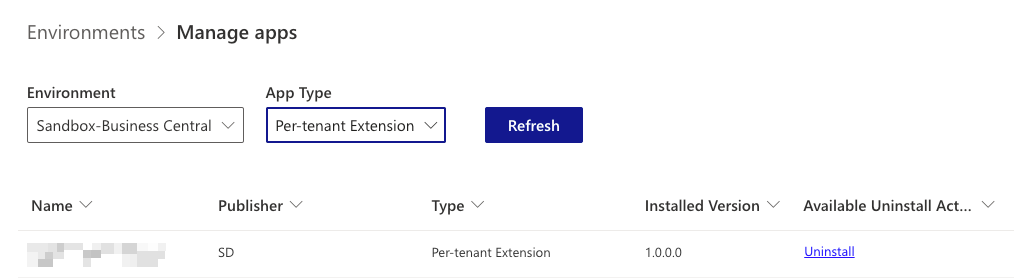
To upload a new PTE or an update to an existing PTE, you can choose Install Extension on the Manage Apps or App Details page.
You will be able to choose when to install the PTE after the upload and validation succeed by using the Deployment schedule. You can choose to install the PTE immediately, during the environment’s next update window, or during the environment’s next minor or major update. Also the Synch Mode option for the database schema will be available for selection during a PTE update.
In this initial phase, you can also manage PTEs by using the Extension Management page in the Business Central environment as usual. In this case, remember that versions of PTEs scheduled to be installed from this page aren’t visible in the Admin Center until after installation succeeds. Likewise, PTE installations scheduled from the Admin Center aren’t visible on the Extension Management page in the environment until the installation succeeds.
Recommendation for the initial phase is to avoid mixing use of both tools (Extension Management and Admin Center) for installing PTEs on the same environment, in order to have a consistent overview of the installation status of your extensions.
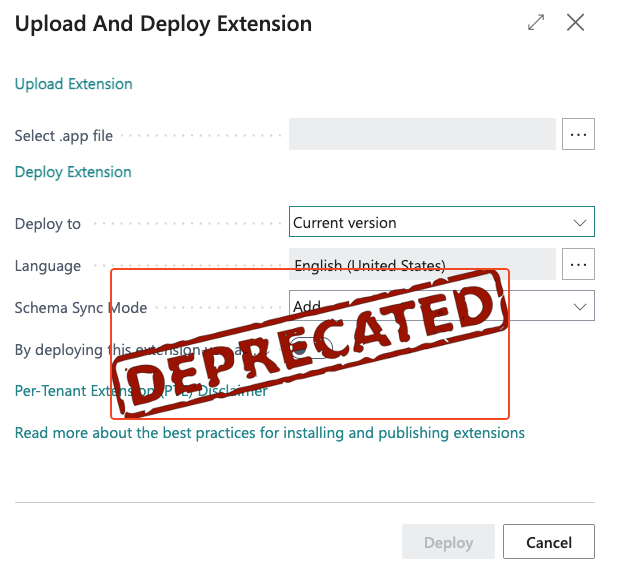
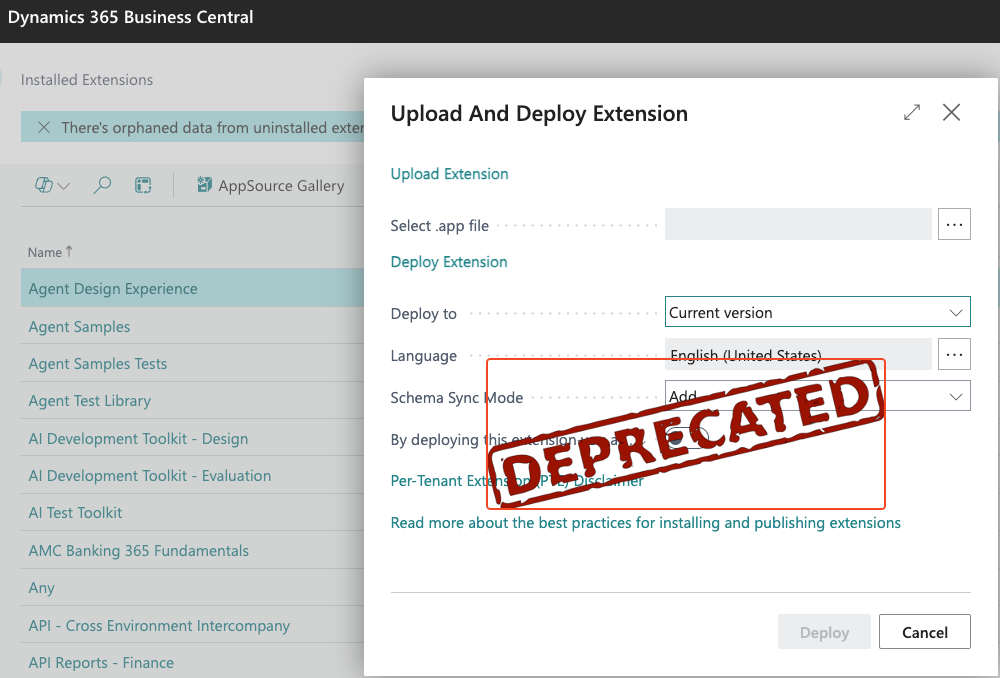
To avoid that mismatch, in Dynamics 365 Business Central 2027 wave 1 release (version 30) Microsoft will remove the ability to install PTEs from the Extension Management Page. Current plans are to maintain the Extension Management page only for viewing installed extensions, and maybe removing it later.
Together with this new update and deprecation announcement, also a new version of the Admin Center API is released. This new version is 2.29 and it supports the possibility to install PTEs and schedule install/updates of PTEs via API.
Content-Type: multipart/form-data
POST /admin/{apiVersion}/applications/{applicationFamily}/environments/{environmentName}/apps/pteInstall
The main impact of this change is that only users with permission to access the Admin Center will be able to install PTEs in a Business Central environment, so you need to be in one of the above mentioned roles. Probably a smaller Entra Role could be useful here…
What about my Business Central Administration MCP server (YAMPI)?
YAMPI is my Model Context Protocol (MCP) server that enables AI assistants like Claude Desktop, GitHub Copilot, and Cursor to manage Dynamics 365 Business Central environments through natural language commands (launched last year at Directions EMEA).
YAMPI supports installing PTEs on a Business Central environment from version 1.1.1 (also massively from a local folder). At the moment under the hood YAMPI is using Business Central Automation APIs for that.
Automation APIs will still be supported, but in a next update YAMPI will be upgraded in order to use the new 2.29 Admin Center API endpoints (an announce will follow).


Does this apply to sandboxes too or just the production environment?
LikeLike
Yes also to sandbox environments.
LikeLike