

With version 11 of the Dynamics 365 Business Central runtime, Microsoft introduced the Record.ReadIsolation method to control isolation level on database transactions. The isolation level on a transaction determines the degree to which it’s isolated from other transactions to prevent problems in concurrent situations.
Dynamics 365 Business Central picks the isolation level for database queries for you. A transaction’s isolation level goes up when you write to a record, or when you call LockTable. This happens per table.
Once the isolation level goes up, it stays that way for the whole transaction. Later code on that table also runs with the higher level, even if you don’t need or want it.
With record instance isolation, you can set the isolation level for reads on a specific record instance. That setting overrides the transaction’s isolation level for that table.
These are the values of the IsolationLevel option type in Business Central:
| Value | Description |
|---|---|
| Default | Uses the transaction’s current isolation level. Same as not setting read isolation. |
| ReadUncommitted | Can read uncommitted changes from other transactions (dirty reads). Takes no locks and ignores other locks. |
| ReadCommitted | Only reads committed data. Does not promise that the same rows stay unchanged for the rest of the transaction. |
| RepeatableRead | Keeps shared locks until the transaction ends, so reads stay stable. You can’t read uncommitted data, and other transactions can’t change what you already read until you finish. |
| UpdLock | Reads with the intent to update. Blocks others from reading with the same update intent. |
Transaction isolation levels and cache usage intersect because table locking states and isolation settings directly dictate whether Business Central serves data from the memory cache or forces a fresh database read.
Business Central caches blocks of records (typically chunks of 1,024 rows per FIND call) in the server instance memory shared across connected users. Methods like GET, FIND, FINDFIRST, FINDSET, COUNT, and CALCFIELDS leverage the caching system. Queries (Query objects) do not use this primary key data cache.
The Business Central cache is divided into Global (shared across all users on a server instance) and Private (per user, per company, flushed at the end of a transaction) and you can use the SelectLatestVersion AL method if your logic demands immediate, non-cached data straight from the database.
Business Central synchronizes caching between Business Central Server instances that are connected to the same database. By default, the synchronization occurs every 30 seconds.
You can set the cache synchronization interval in Dynamics 365 Buisiness central on-premises by using the CacheSynchronizationPeriod parameter in the CustomSettings.config file. This parameter isn’t included in the CustomSetting.config file by default, so you must add it manually using the following format:
<add key="CacheSynchronizationPeriod" value="hh:mm:ss" />
The NST maintains an in-memory record cache per session to avoid round-tripping to SQL Server for data that’s already been read. Normally:
- First
Get()→ SQL query executes, result cached. - Subsequent
Get()on the same key → served from cache, no SQL round-trip.
This is what happens with Default and ReadUncommitted transaction isolation levels. But…
What is the impact of transaction isolation levels on NST cache usage?
The caching system relies heavily on transaction and lock states. If a record or table read involves explicit locking or higher isolation requirements (like UpdLock or explicit write transactions), Business Central bypasses or invalidates cached instances to ensure data integrity.
Raising the isolation level (via a write, LockTable, or explicit ReadIsolation) tells the runtime “I need stronger consistency guarantees for this table” and the current implementation’s answer to that is: skip the cache and always ask SQL Server directly, even though the cache entry might legitimately still be valid.
My experience on tuning code performances with transaction isolation level-based code is summarized in the following diagram:
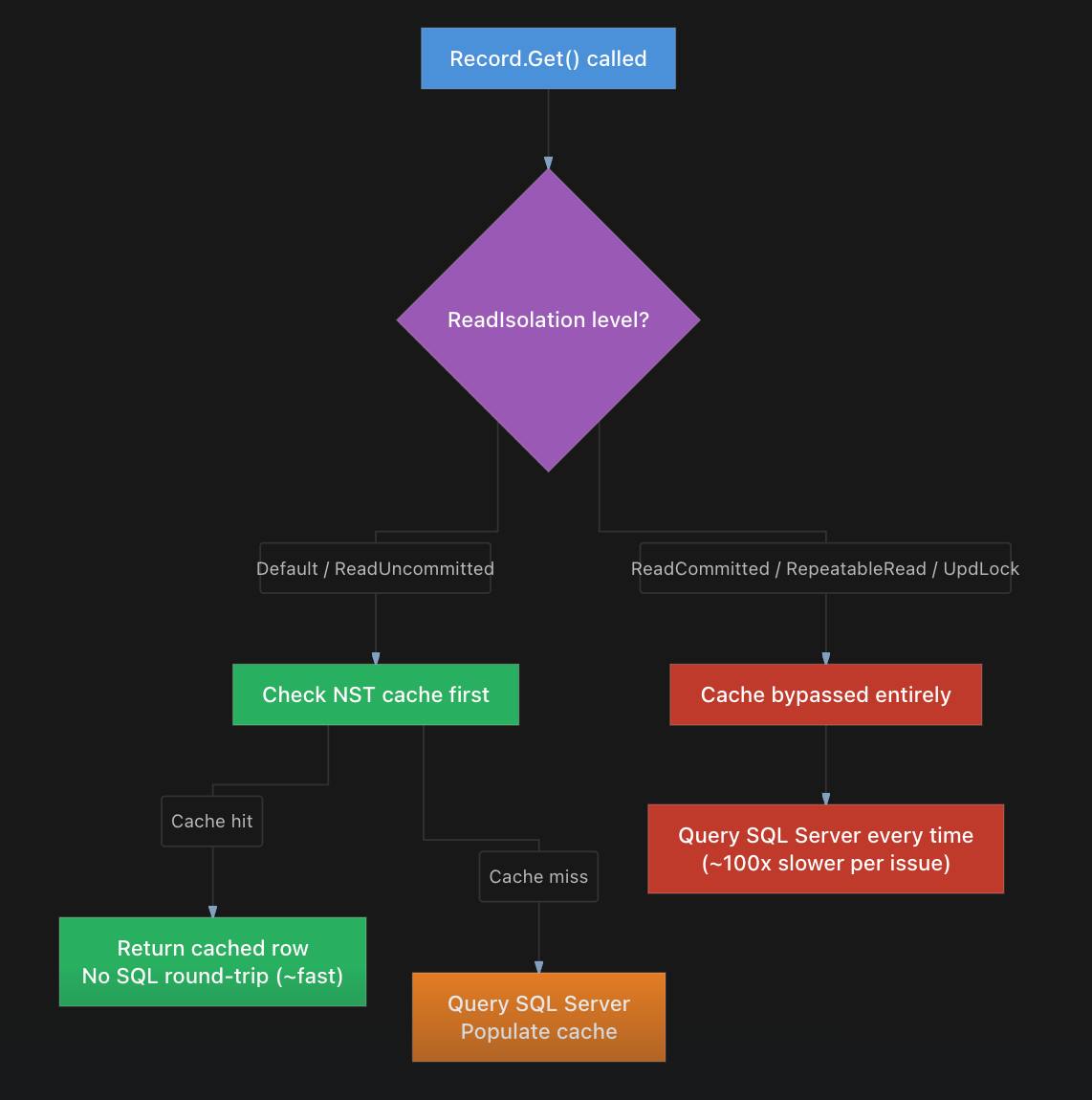
and the impact on transaction isolation levels on code execution performance can be huge!
To test that, I’ve created a simple codeunit that executes 1000 reads on the same Customer record. The reads are executed with different transaction isolation levels:
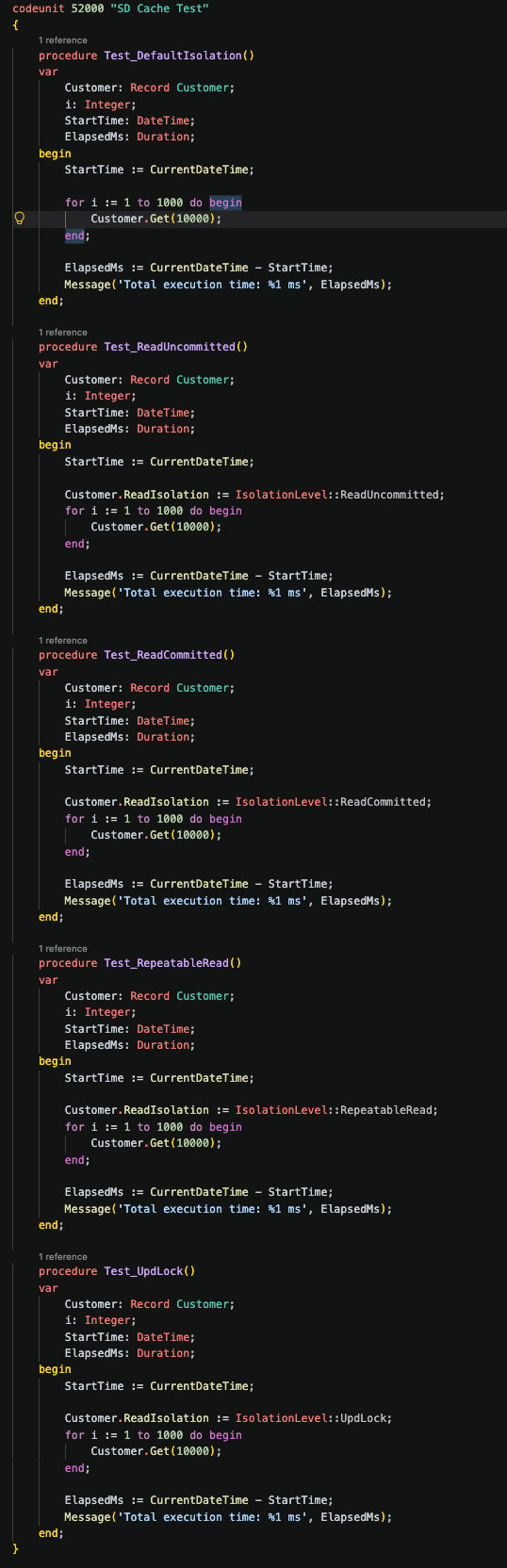
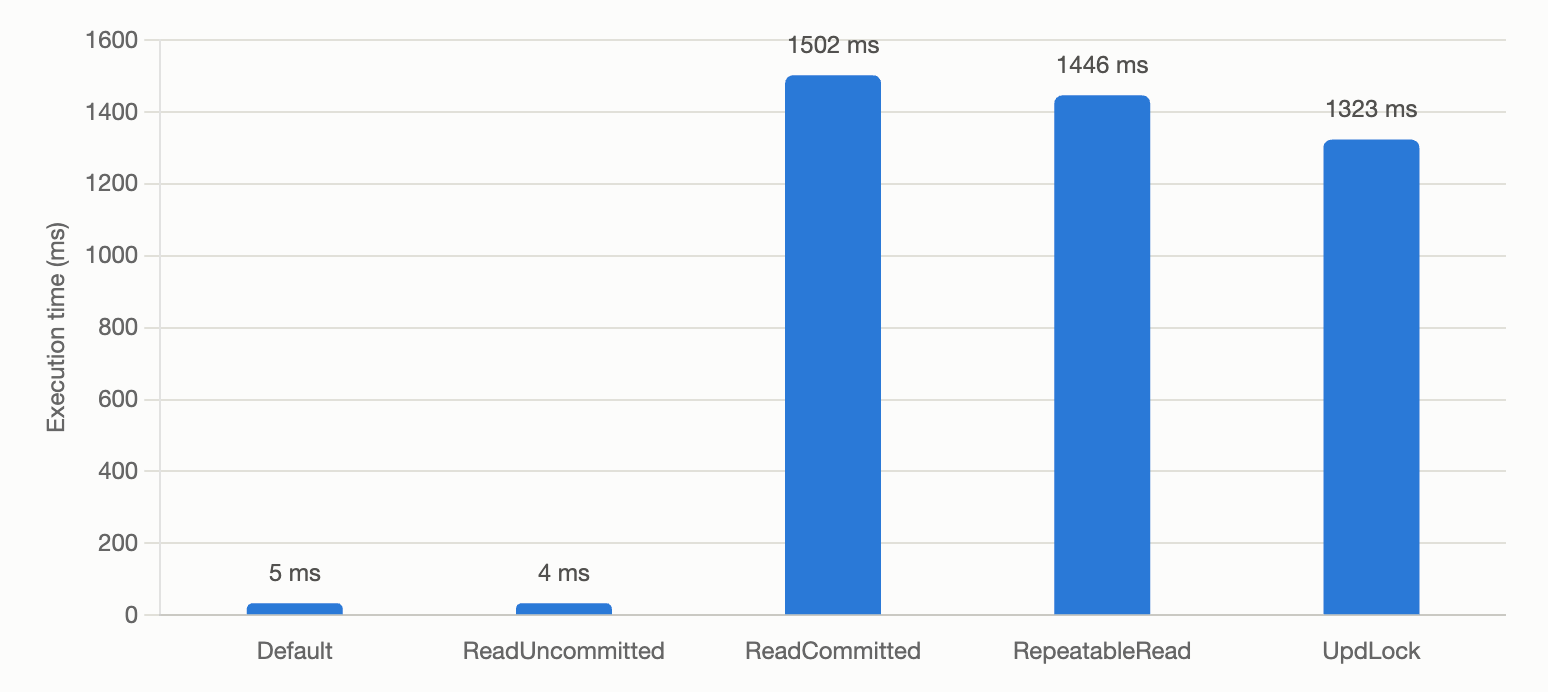
These are the execution times for each of these methods:
Reading 1000 times the same Customer record with Default transaction isolation level:
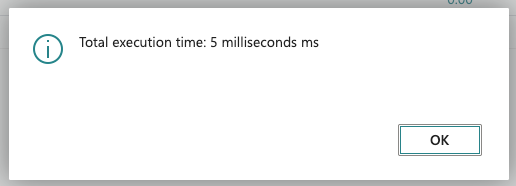
Reading 1000 times the same Customer record with ReadUncommitted transaction isolation level:
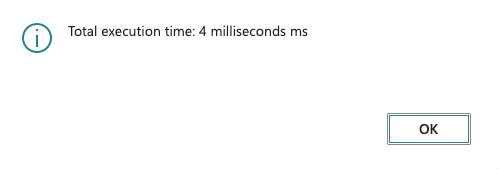
Reading 1000 times the same Customer record with ReadCommitted transaction isolation level:
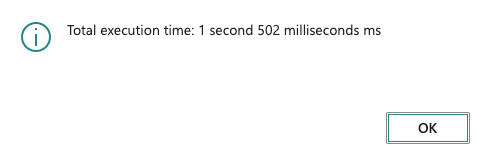
Reading 1000 times the same Customer record with RepeatableRead transaction isolation level:
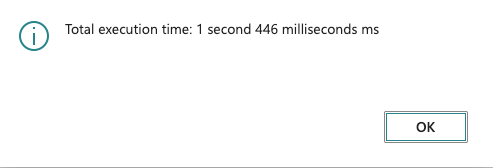
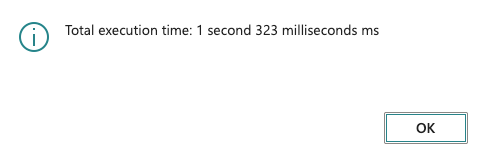
Reading 1000 times the same Customer record with UpdLock transaction isolation level:
A chart say more than a lot of words:
What’s happening and what could (maybe) be improved?
The NST record cache only serves Get() calls from cache when ReadIsolation is set to Default or ReadUncommitted. For ReadCommitted, RepeatableRead, and UpdLock, every Get() is forced to round-trip to SQL Server (effectively the same cost as calling SelectLatestVersion() before each read (so bypassing the cache).
For ReadCommitted this is probably ok. ReadCommitted explicitly promises “give me the latest committed value on every read.” An app-level cache can’t honor that promise without checking the database each time, since another session could have committed a change since the value was cached. So bypassing cache here it’s the correct behavior to preserve the isolation semantics.
RepeatableRead and UpdLock are different: once the first Get() acquires the lock, SQL Server itself guarantees no other transaction can modify that row until the lock is released. At that point, re-reading from SQL on every subsequent Get() within the same transaction provides zero additional consistency (the lock already does that job). Serving those calls from cache instead of re-querying I think would be safe and could avoid the slowdown the issue shows.
Instead of a full round-trip every time, maybe something lightweight (e.g., a rowversion/timestamp check) to confirm the cached row is still committed-current before falling back to a full re-query could be used.
This can be a measurable performance problem in production BC projects, but only under specific, fairly common conditions, like for example posting large sales/purchase orders (setup tables get locked once; each line’s processing re-Get()s Setup/Item/Customer records defensively many times).
Be carefult on this behavior and check your AL code… transaction isolation level setting is not just a “write this and go” sentence to apply in your AL code, but must be checked with attention.
P.S. would like to know what the Server Runtime Team think on this 😅


