


Dynamics 365 Business Central version 24.4 (August cumulative update) was released few minutes ago and you can start downloading it for your on-premises customers, while SaaS customers will receive the update in the next days (new customer will start as usual with the new latest version).
I’m writing this quick post not for publishing the availability of this new update, but for another reason: this update contains an important hidden fix for the job queue for handling the too many reschedulings created when using the codeunit 451 – Job Queue Category Scheduler.
What happened before?
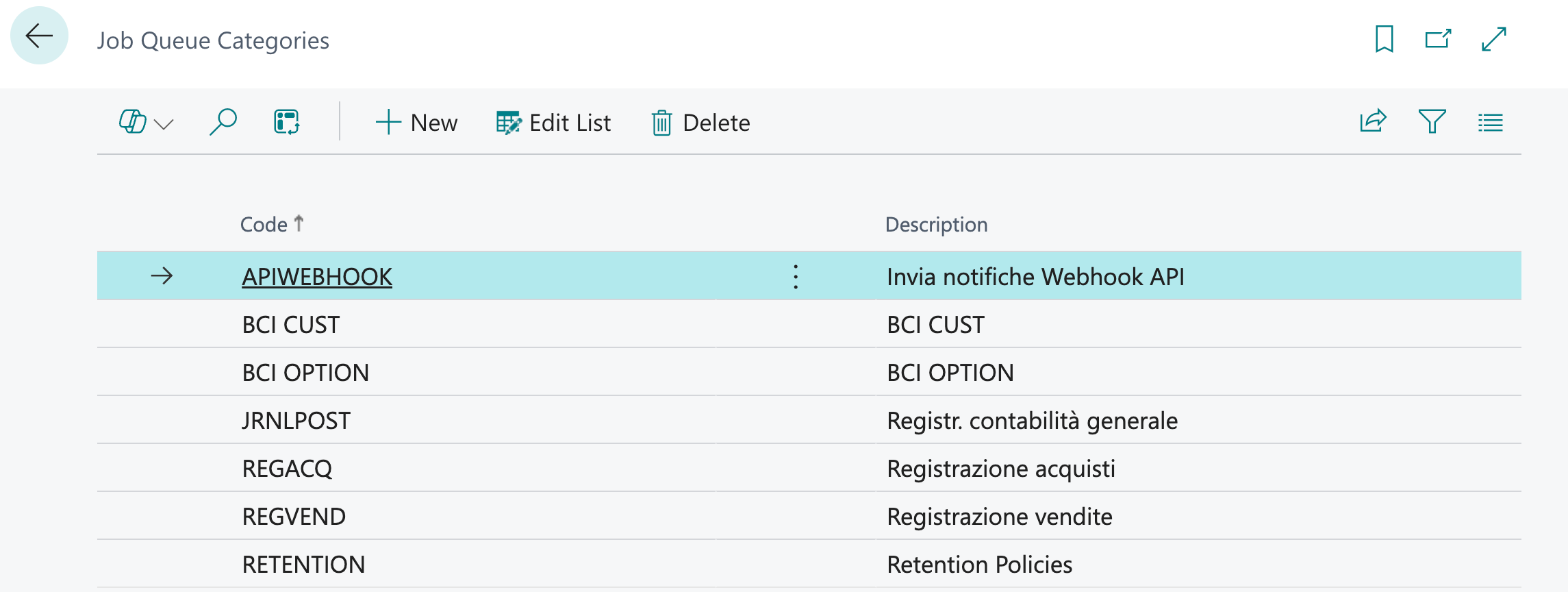
In Dynamics 365 Business Central, you can define Job Queue Categories to categorize your scheduled processes:
In the Job Queue Entry card, you can assign the task to a particular job queue category:
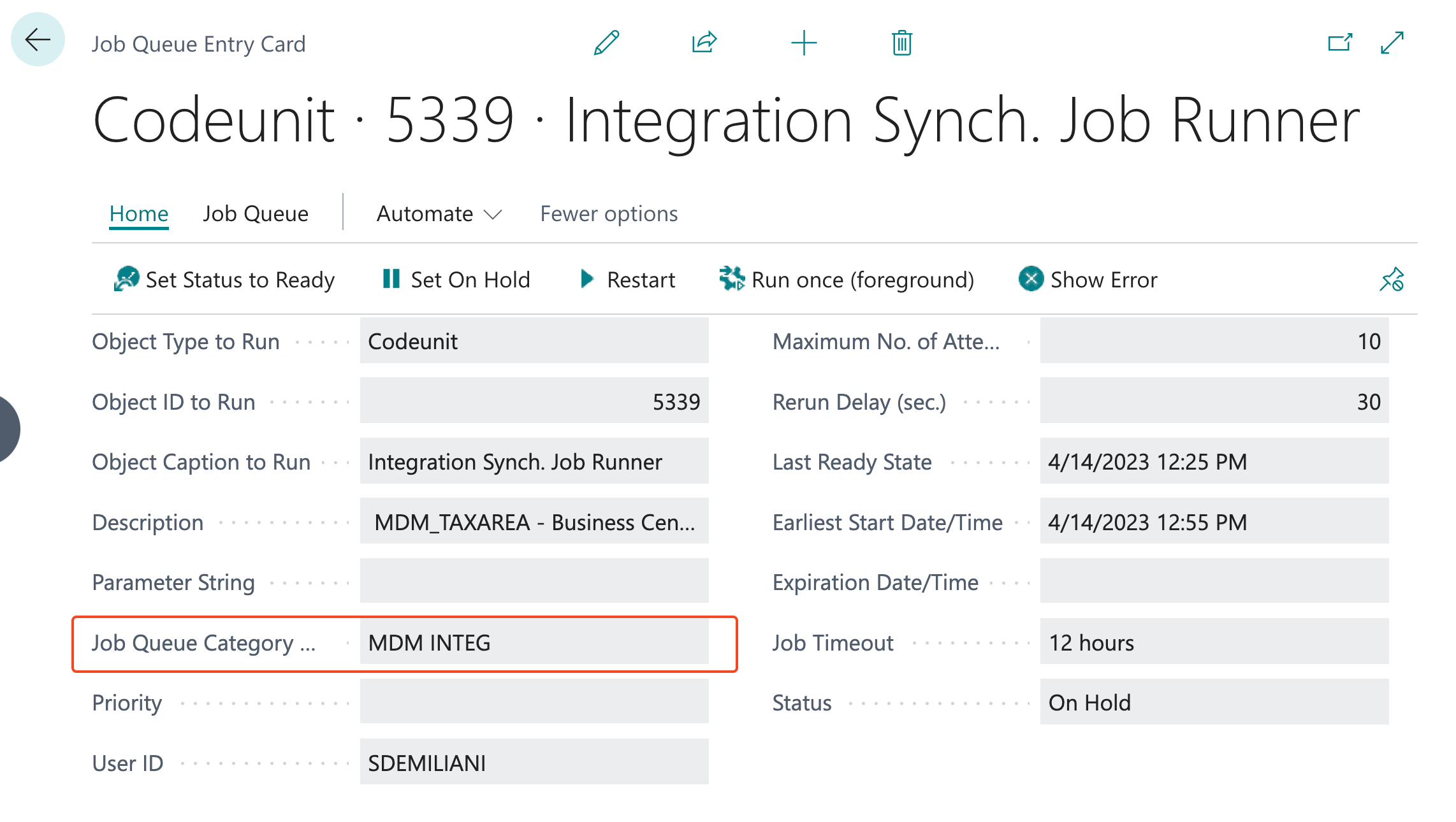
When a job is started, the scheduler checks if other jobs with the same category of the current job are running. If so, it reschedules the current job later in time (about some seconds later). This could lead to a lot of rescheduled tasks.
What happens now?
When a job is started, the scheduler checks if other jobs with the same category of the current job are running. If so, it reschedules the current job to run now and it sets the task status as “not active” and the job queue status in waiting state.
When the already running job is finished, the scheduler checks if any other tasks with the same category are waiting. If so, it activates the task with the lowest priority for the category (it checks the task creation date and the priority field).

 Stefano Demiliani
about the following”…If so, it activates the task with the lowest priority…”
Should this not be “Highest” instead?
LikeLike
Lowest in terms of value in the “Priority” field. A task with Priority = 1 is executed before a task with Priority = 2.
LikeLike