

Assigning number series to documents seems a simple task to users but in an ERP (where concurrency is always present) it’s instead a quite complicated task to handle.
Number series in Dynamics 365 Business Central are a source of locking when you have lots of concurrency. Number series are specially designed for scenarios where you have to use a continuous numbering system on transactional records (like for example on invoices). The drawback of using continuous numbers is that when a number is requested by a transaction, the No Series Line table in the database is locked until the transaction completes.
Number series also include an option called Allow Gaps in Nos.. that allows you to implement non-continuous and non-blocking numbering. If you’re on this scenario, please toggle this flag.
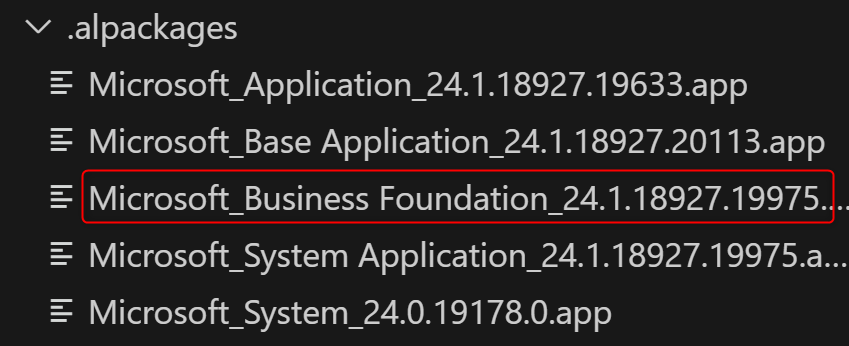
The number serie management in Dynamics 365 Business Central is now moved to the new Business Foundation layer, a new horizontal layer created to modularize the application that provides a standard set of capabilities that serve as a foundation for developing business apps.
Dynamics 365 Business Central also supports number sequences.
In AL, you can create and manage number sequences that generate numeric identifiers for data and records. Business Central number sequences are built on SQL Server sequences, which means that they are not associated with any tables. Instead, the application code references the number sequence object and coordinates the values across records. The numbers in a number sequence are generated in ascending order at a defined interval. Numbers are used sequentially, but numbers can be skipped.
To create and manage number sequences in AL, you can use the NumberSequence data type. As an example, here is the creation of a number sequence for custom transactions that starts from 0, increments by 1 and is company-specific:
NumberSequence.Insert('SDTransactions', 0, 1, true);
You can retrieve the current and the next value from a number sequence in the following way:
// Gets and returns the current value in a NumberSequence object
number := NumberSequence.Current('SDTransactions',true);
// Gets and returns the next value in a NumberSequence object
number := NumberSequence.Next('SDTransactions',true);
Where’s the power of NumberSequence?
Number sequences are extremely fast expecially when you need to reserve a range of numbers.
In Dynamics 365 Business Central 2024 Wave 1 release, Microsoft has created in the new Business Foundation layer (namespace Microsoft.Foundation.NoSeries) two new codeunits to handle number series:
- codeunit “No. Series”
- codeunit “No. Series – Batch”
The main difference between the two codeunits is that the “No Series – Batch” codeunit batches requests until SaveState() is called. This permits you to obtain number series from a temporary table and save the state of the No. Series Line table to the database only at the end of the batch.
When you need to retrieve number series in a batch transaction (multiple posting of records) it’s absolutely better to use the new No. Series – Batch codeunit:
NoSeriesBatch.GetNextNo('YOUR_NO_SERIE');
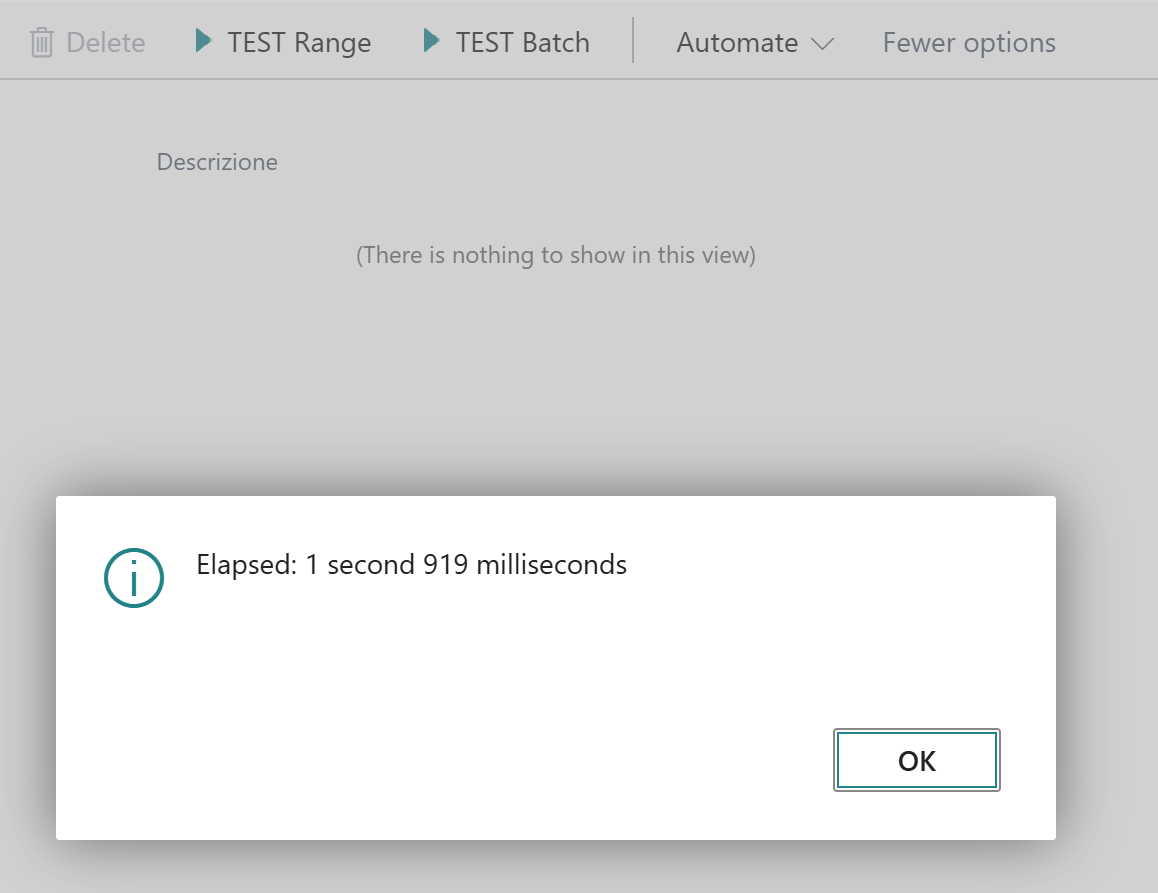
Just an example, let’s try to obtain 10000 number series for a batch of transactions. We can use the following AL code:
var
   NoSeriesBatch: Codeunit "No. Series - Batch";
   NoSeriesList: List of [Text];
   i: Integer;
begin
   for i := 1 to 10000 do
      NoSeriesList.Add(NoSeriesBatch.GetNextNo('YOUR_NO_SERIE'));
   NoSeriesBatch.SaveState();
end;
Time to do that is all around 2 seconds (always a bit less than 2 seconds on every test):
This is a good result.
But what about if you have transactions that allows gaps and you want the maximum possible performance?
You can use number sequences and reserve a range of numbers before the transaction with the new NumberSequence.Range method:
var
   NoSeriesList: List of [Text];
   RangeStart: Integer;
   i: Integer;
begin
   RangeStart := NumberSequence.Range('SDTransactionSequence', 10000, true);
   for i := RangeStart to RangeStart + 10000 do
      NoSeriesList.Add(Format(i));
end;
Time to do obtain the number series? This…
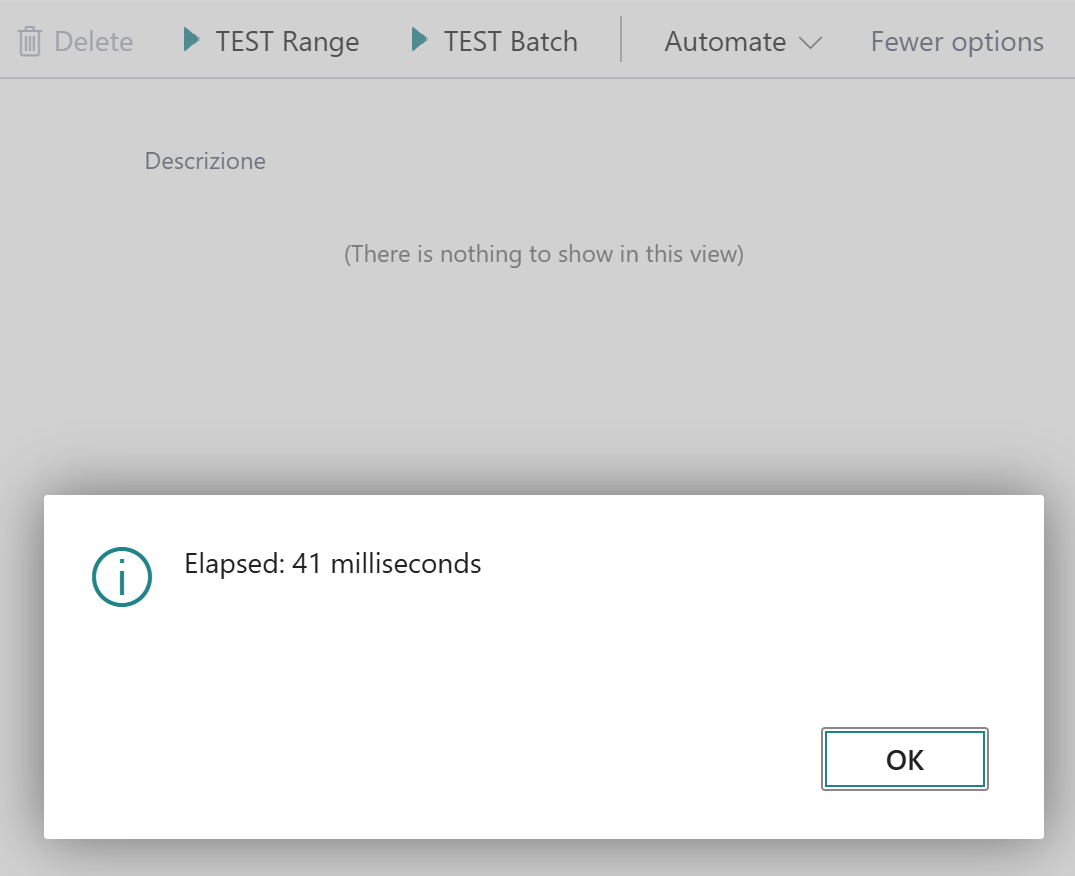
As you can see, it’s extremely fast!!
The only possible drawback of using NumbertSequence.Range is that the range of number series is reserved when you call the method, so if you have errors in the transaction you will have gaps. But if gaps are ok for your scenario (and often this happens) than this method gives you extreme performances and no locking.
Start considering working with NumberSequence in AL… probably you will have lots of advantages.

 Stefano Demiliani