

When talking with some partners trying to approach the AppSource marketplace during the last week, I’ve discovered that for many the extension’s identity rules are not clear.
Lots of them have apps currently running in live environments with a particular id, name, publisher and version (as specified in the app.json manifest file of the extension). Don’t ask me why, but for some of them the name of the app or the publisher of the app currently running on customer’s environments (onprem and cloud) are not what they would like to have in the future versions (rebranding operations, company acquisitions etc.) and they were worried about that.
Will the past wrong branding impact the future app branding?
The answer is no!
Until Dynamics 365 Business Central 2021 Wave 2 release, the name and publisher information is part of the identity of an extension and this information therefore can’t be changed in AppSource.
Starting from Dynamics 365 Business Central 2021 Wave 2 release (so this should not be a news), the app identity has been changed to only include the id and version, leaving publisher and name optional, mainly for human readability purposes such as in dependencies or telemetry.
This means that now you can change the name and/or publisher information of your extension in the app.json file without doing a breaking change. Just remember that if you change name or publisher of your extension, also the version parameter must be incremented accordingly.
Just to give you an example, imagine to have an extension with the following app.json manifest file:
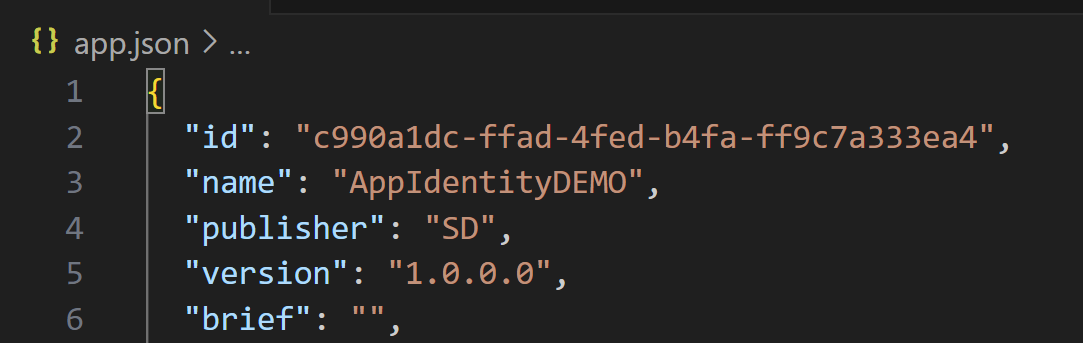
The extension is published on the customer’s tenant accordingly:
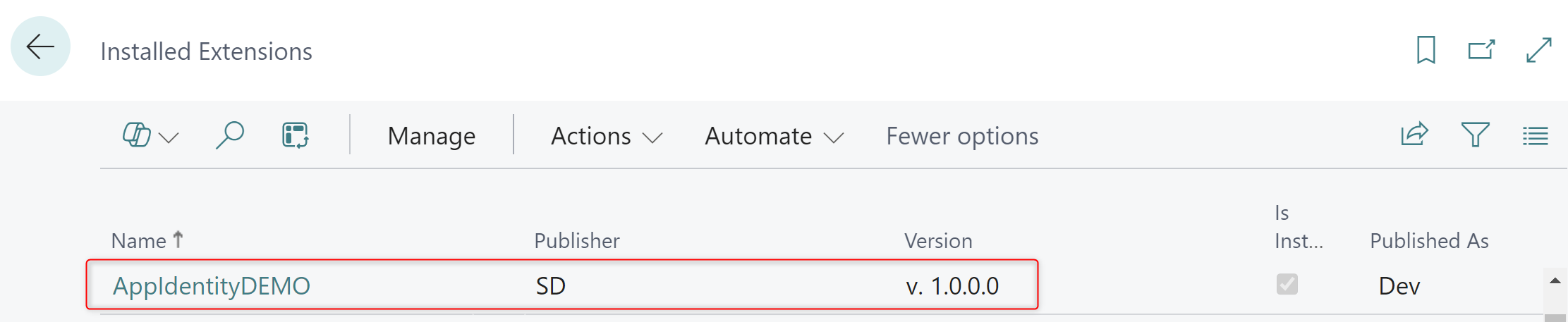
You can change the publisher of the app by creating a new version (for example 2.0.0.0) with the new publisher name you want in the app.json file. When you publish this new version, the app is updated accordingly:
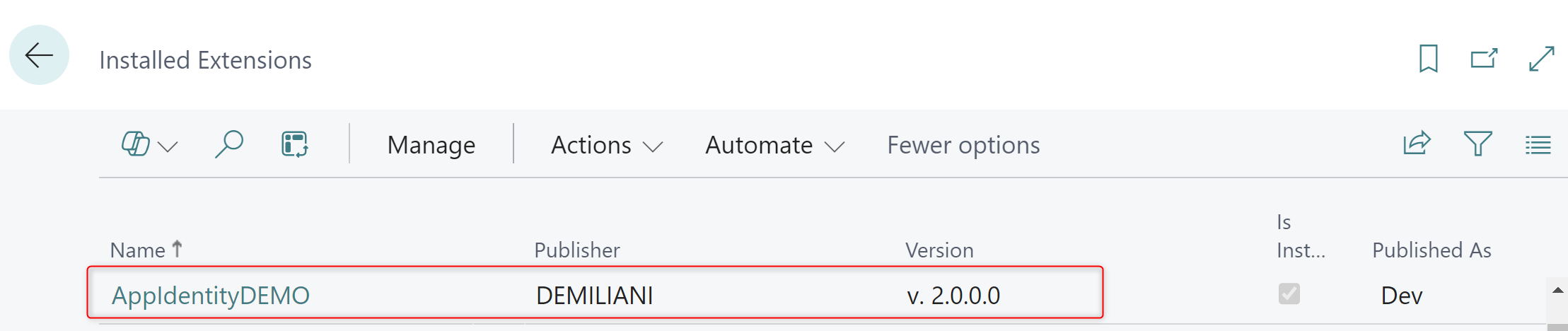
If you want to also change the app name, again just change the name parameter in the app.json file and publish a new version of the app (for example 3.0.0.0):
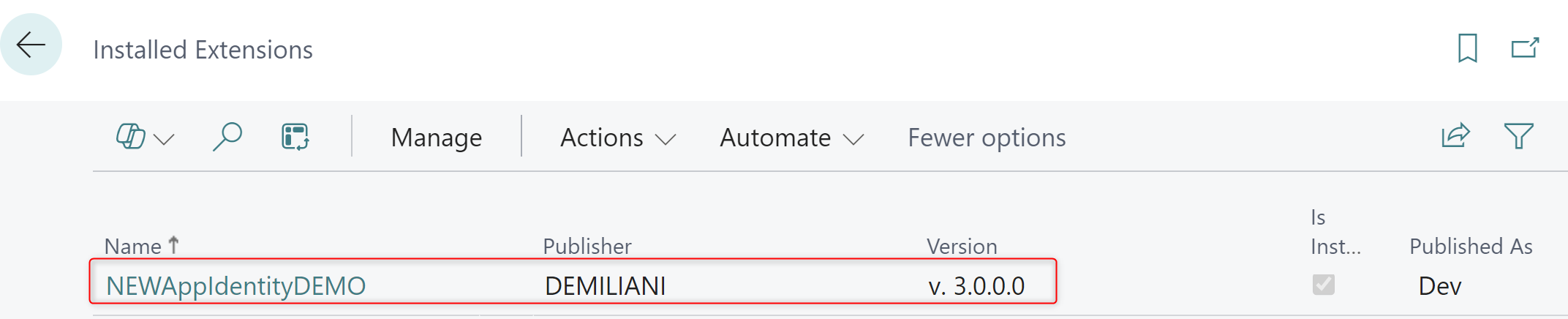
These are no more breaking changes!
For apps published in the Global scope, such as AppSource and 1st party applications, the id and the version identify a unique application package. The Business Central service uses these tuples to refer to apps in different flows. To prevent issues, it is required that the id remains the same after an app is uploaded to the Business Central service, and that you only increment the version.
For apps published in the Tenant scope, such as per-tenant customizations, in addition to the id and version, the tenant ID is also used to uniquely identify an app.
What about moving from PTE to AppSource?
If you have an extension published as a per-tenant extension (PTE) and you want to publish it to AppSource, you must assign a new id to the AppSource app (plus obviously change the object range too). It’s not possible to deploy an AppSource app and a PTE with the same id.

 Stefano Demiliani