

With the latest pre-release version of the AL extension, Microsot shipped a tool called ALDoc for generating reference documentation for AL extensions. The ALDoc tool generates documentation from symbolic and syntactical information, code comments, and overall application structure based on input .app file(s) and it permits also to generate an help site (private or public) with these reference articles, sorted by the application structure, based on the provided template.
This tool is based on DocFx, a .NET tool that converts .NET assemblies, XML code comment, REST API Swagger files and markdown into rendered HTML pages, JSON model or PDF files.
To use ALDoc for generating documentation from your AL extensions, you first need to install .NET SDK 6.0 or higher and then you need to install the DocFx tool by running from command prompt the following command:
dotnet tool update -g docfx
After the installation is complete, you have the latest version of the DocFx tool installed on your machine and you’re ready to start.
Creating a reference documentation for an AL extension
To create a reference documantation site for your AL extension, some steps are required. First, you need to check where the ALDoc tool is installed accordingly to your AL language extension version. On my machine the path for example is the following:
C:\Users\stefano\.vscode\extensions\ms-dynamics-smb.al-12.0.849798\bin\win32>
Then, I suggest to create a folder where you place the .app files for which you want to create the documentation and a second folder where the ALDoc generated files will be created. In my case I have a C:\TEMP\ALDoc\apps and a C:\TEMP\ALDoc\docs folders created. In the \apps folder I placed the .app file (called SD_Azure Functions Module Demo_1.0.0.0.app).
When all the folders and files are created, as a first step you need to initialize the reference repo by providing the following command:
C:\Users\stefano\.vscode\extensions\ms-dynamics-smb.al-12.0.849798\bin\win32\\aldoc.exe init -o "C:\Temp\ALDOC\docs" -t "C:\Temp\ALDOC\apps\SD_Azure Functions Module Demo_1.0.0.0.app"
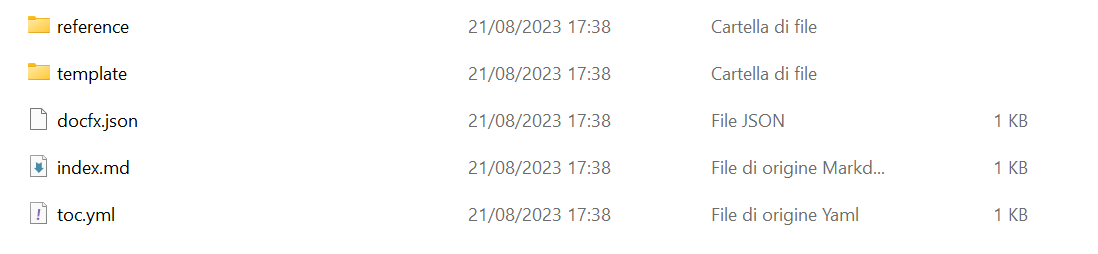
The initialization unpacks AL support files, and creates the input folder for the DocFx tool including the DocFx configuration file (docfx.json).
The output will be something like the following:
Next, you need to generate the reference files for each .app file that you specified in the previous step. You need to execute the build command for each .app file that you want to generate documentation for. Furthermore, it’s important for the cross references that the build command has access to the complete set of .app files that you intend to generate documentation for. You specify these files with the -c parameter.
The command to execute is the following:
C:\Users\stefano\.vscode\extensions\ms-dynamics-smb.al-12.0.849798\bin\win32\\aldoc.exe build -o "C:\Temp\ALDOC\docs" -c "C:\Temp\ALDOC\apps" -s "C:\Temp\ALDOC\apps\SD_Azure Functions Module Demo_1.0.0.0.app"
The output will be a _site folder with a content.
Now you can use DocFx to build a website to host the generated files, which you can share with your users internally and or externally. To do that, execute the following command:
docfx build C:\Temp\ALDOC\docs\docfx.json
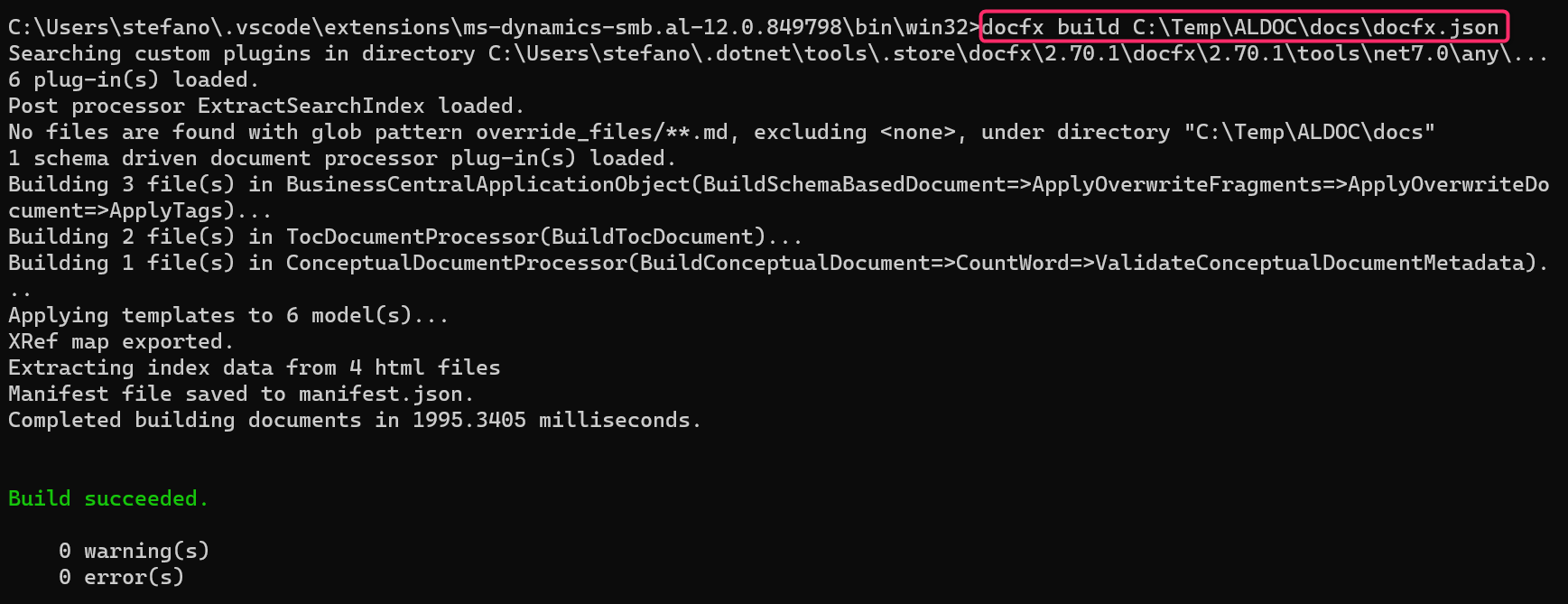
Then you can execute the documentation website locally by using the following command:
docfx serve C:\Temp\ALDOC\docs\_site

If you browse to the prompted site (http://localhost:8080) you will have a documentation website ready. You can use the parameter -p <port_num> to change the port to generate the website to.
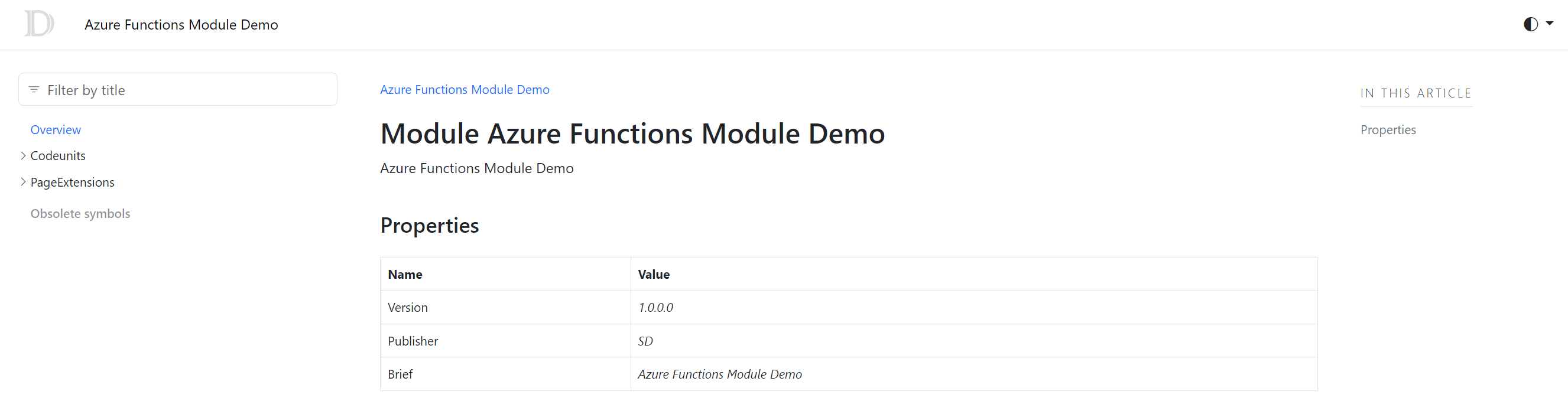
You can then navigate the generated documentation and more. Obviously, if you have comments on code the documantation will be more rich:

You can also publish the generated content on Github pages. To publish to GitHub Pages:
- Enable GitHub Pages.
- Upload
_sitefolder to GitHub Pages using GitHub actions.
The tool is absolutely a public preview and it’s not extremely stable (I found problems on big extensions and when you have reportextension objects for example) but it’s a start and I think it’s a nice addition to the AL language toolset. Wait the final release of the AL language 12.x, things will be better for sure.

 Stefano Demiliani