

I’ve received privately on LinkedIn the same question from some partners regarding the following message that sometimes could appear on some Dynamics 365 Business Central environments:
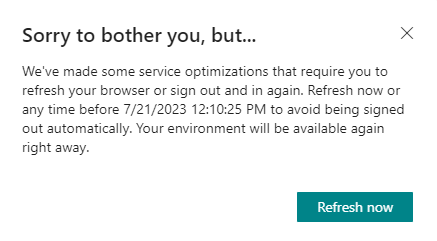
What is this message?
This message normally appears on the following situations:
- During the tenant update window for deploying hotfixes to the platform components.
- During the working hours (rarely) when the under the hood Dynamics 365 Business Central monitoring system identify a problem on tenant resources, like high CPU or memory usage. In this case the system needs to proactively balance users’ sessions to avoid potential resources bottlenecks or to prevent starvation.
In both cases there’s no downtime for the users. They only need to refresh their browser during this warning period and things should go smoothly.

 Stefano Demiliani